What is a link in bio? A simple guide, with examples
A link in bio is one page that holds all your links. What it is, who it’s for, what to put on it and how to make a free one in five minutes.
By dznir · Updated 30 October 2026
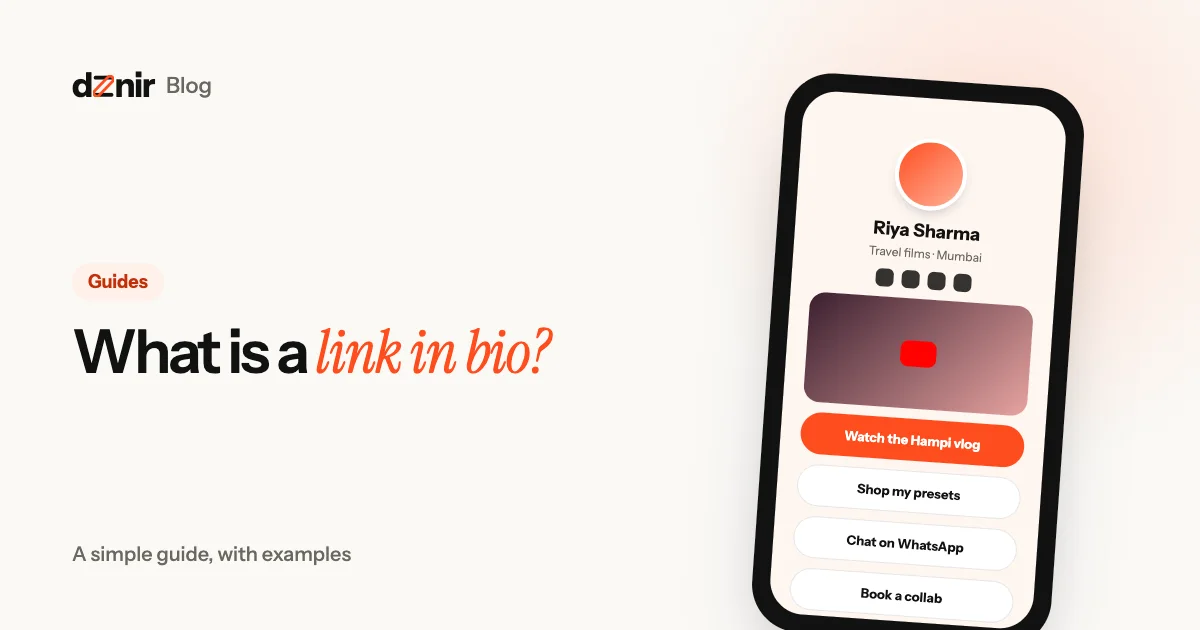
Instagram shows one link on your profile, with up to four more hidden behind a tap. TikTok and X give you just one, and YouTube shows only the first up front. But you probably have more than one thing to share: a new video, a shop, a WhatsApp number, a portfolio, a form, a way to pay you.
A link in bio page fixes that. It’s a small web page, made for phones, that holds all your links in one place. You put its address in your profile, and everyone who taps it can find everything you do.
What a link in bio page actually is
Think of it as a tiny homepage. At the top: your photo, your name and a line about you. Under that: buttons, one for each thing you want people to see. Many tools also let you add more than plain buttons, like a video that plays on the page, your social icons, a menu, a form or a payment button.
The address is short and yours, for example dznir.com/yourname. That address goes in your Instagram bio, your YouTube channel, your WhatsApp status, your email signature and even on a printed card or a QR code at your shop counter.
The phrase comes from Instagram, where posts can’t have clickable links. Creators started writing “link in bio” in their captions to point people to the one link in their profile. Today the idea is used far beyond Instagram: it’s simply one link for everything you do.
Who uses one (it’s not only creators)
Anyone with more than one place to send people gets something from a single link:
- Creators and streamers: the latest video, the stream schedule, a Discord, merch and a way for brands to get in touch.
- Small businesses and cafés: the menu, opening hours, a map, a WhatsApp order button and today’s offer.
- Freelancers and designers: a portfolio, services with starting prices and a “book a call” form.
- Musicians and artists: the new release on every streaming app, upcoming shows and a shop.
- Coaches and teachers: class timings, a booking link, testimonials and a payment button.
- Students and job seekers: a CV, projects, GitHub, LinkedIn and a contact email.
If you’ve ever replied “check my profile” or pasted the same three links into a chat, a link in bio page will save you time.
Why one link works better than five
People tap what’s easy. Every extra step loses visitors. One clear page with your best links up top gets more taps than a bio full of addresses nobody can click.
You change it once, it changes everywhere. Swap your “latest video” button and every profile, card and QR code that points to your page is up to date.
It looks like you. A good page carries your photo, colours and style, so people know they’re in the right place. That trust matters when you ask them to buy, book or pay.
You can see what works. Most tools show visits and taps, so you know which link people care about and where they came from.
What to put on your page
Start small. Three to six things is plenty. A simple order that works for most people:
- The one thing you want most right now. A new video, a launch, an offer. Put it first and make it stand out.
- How to reach you. WhatsApp, email or a contact form, whichever you actually answer.
- What you sell or offer. Your shop, menu, services or rates.
- Proof. A portfolio, reviews, a media kit for brands.
- Your socials. As small icons at the top, not as big buttons that push everything else down.
Two tips: write button labels as actions (“Watch the Hampi vlog”, not “YouTube”), and remove anything you haven’t updated in months.
Three example pages
A creator
Photo and name, social icons, then: a video block with the latest upload, “Join the Discord”, “Shop my presets”, a media kit card with a Work with me button for brands, and a UPI button for tips.
A café
Logo and tagline, then: today’s special, the menu with prices, opening hours that show “Open now”, a map with directions and a big WhatsApp button for orders.
A freelancer
Photo and one line on what they do, then: a portfolio grid, three services with “from ₹” prices, testimonials and a “Book a call” form that lands in their inbox.
Common mistakes to avoid
- Too many links. Twenty buttons look like a junk drawer. Keep the best, cut the rest.
- Vague labels. “Link 1”, “Click here” and “My site” don’t tell anyone why to tap.
- Old content up top. If your first button is last year’s video, people assume the page is dead.
- A page that doesn’t look like you. Use your photo and a theme that fits your style, so visitors trust it.
- Forgetting the phone. Almost everyone opens your link on a phone. Check your page on one.
How to get people to tap your link
A great page only works if people open it. The link sits in your profile, so most of the work is reminding people it’s there, in the places they already see you.
- Say why in your bio. “New video every Friday, watch below” or “Menu and WhatsApp orders below” tells people what they get for the tap.
- Mention it in posts and videos. End a reel or a video with one line, like “Recipe’s on my link in bio”. Point to one thing, not everything.
- Use link stickers in stories. Instagram stories can carry a link sticker, so people tap straight through without opening your profile.
- Put it under your videos. On YouTube, add it to your channel’s links, the video description and a pinned comment.
- Show it in the real world. A café can put a QR code for its page on tables and the counter; a musician can show one on stage or on merch.
- Keep the first button fresh. When the top link changes with your latest video, sale or event, regular visitors have a reason to tap again.
On dznir, Stats in your dashboard shows which links people tap, so you can see what works and move it up. What’s free and what Pro adds is on the pricing page.
How to make one in five minutes
Here’s how it works on dznir:
- Claim your name. Pick the address you want, like dznir.com/yourname. It’s free to start, and you can try Pro free for 7 days, no card.
- Tell us what you do. Creator, business, freelancer or something else: we suggest a look and the blocks that suit you.
- Pick a theme and a layout. Dozens of themes, from calm and minimal to bold and animated, with the photo in the middle, on the left or as a big banner.
- Add your blocks. Links, videos, social icons, a menu, a form, payments, a media kit and more. Drag them into order.
- Publish and share. Put your new link in every bio, and on a QR code if you have a shop.
Comparing tools? Read dznir vs Linktree: price, features and payments compared. Want to take payments from your page? Read how to accept UPI payments and tips from one link. Working with brands? See how to make a media kit that gets brand deals. Curious who makes dznir? Read about dznir.
Questions people ask
What does “link in bio” mean?
It means the one clickable link in a social profile (Instagram, TikTok, X, YouTube) points to a page that holds all your other links. When a post says “link in bio”, it’s telling you to tap that link in the profile.
Is a link in bio page free?
Most tools, dznir included, have a free plan that covers a full page: your photo, name, links and social icons. Paid plans add things like more themes, your own colours, stats and selling tools.
Can I use a link in bio page without being a creator?
Yes. Cafés use it for their menu and WhatsApp, freelancers for their portfolio and rates, students for their projects and CV, musicians for their releases. It’s simply one link for everything you do.
How many links should I put on it?
Start with three to six. The most important one goes first. You can add more later, but a short page gets more taps than a long one.
Will a link in bio page help my Google ranking?
It can. A dznir page is a real web page with your name, so it can show up when people search for you, and it links to everything else you do.
Keep reading
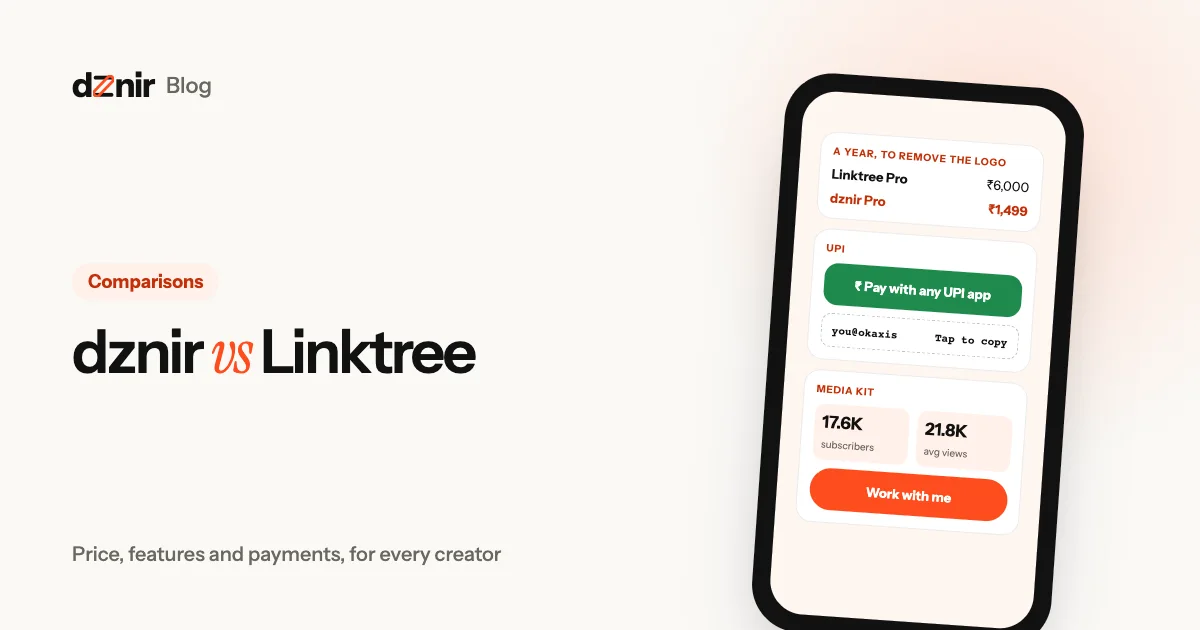 dznir vs Linktree: an honest comparison for everyonedznir vs Linktree compared for small and big creators: prices, free plans, payments, media kits, themes and layouts. Plus where Linktree wins.
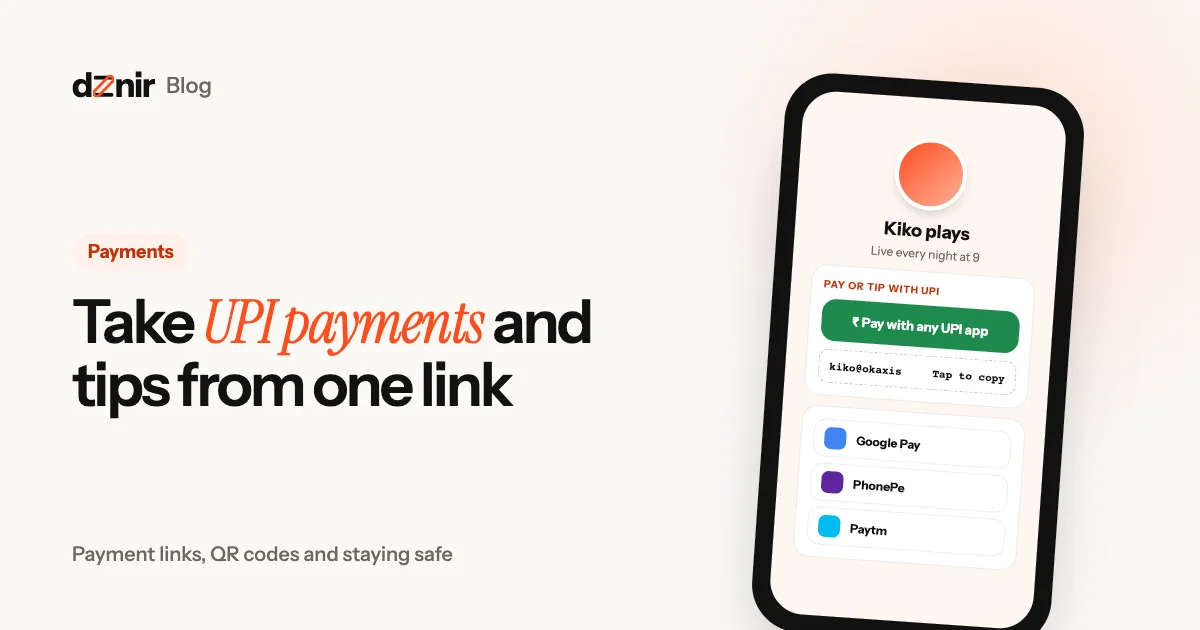 How to accept UPI payments and tips from one linkTake UPI payments and tips from your Instagram, YouTube or WhatsApp link: payment links, QR codes, the “Pay with any UPI app” button and how to keep it safe.