How to make a media kit that gets brand deals
What brands look for in a creator media kit: the numbers to show, how to work out engagement rate, rates, past brands and a free checklist you can follow.
By dznir · Updated 29 October 2026
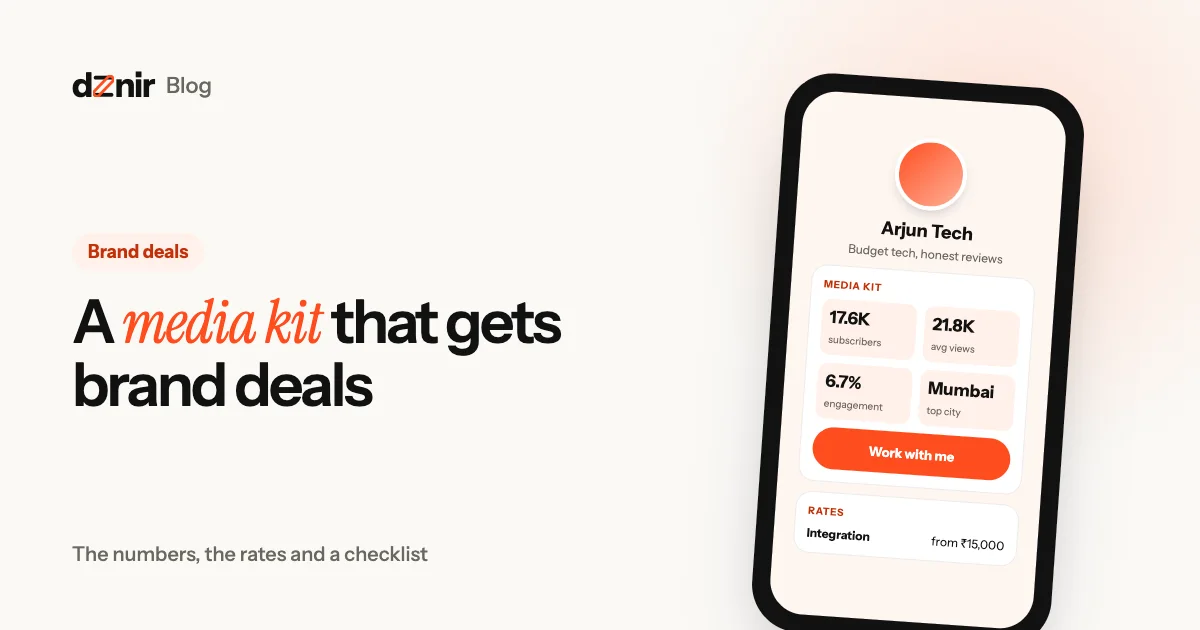
A brand finds you, likes your content and asks the question every creator gets: “Can you share your media kit?” What you send next decides whether the conversation goes anywhere.
A media kit is a one-page summary of who you are, who watches you, how well your content performs and what it costs to work with you. Done well, it answers a brand’s questions before they ask, and makes you easy to say yes to. Here’s exactly what to put in it.
What brands look at first
A brand manager might look at dozens of creators for one campaign. They’re trying to answer four questions fast:
- Is this creator a fit? Your niche, your style, your audience.
- Will people actually see it? Average views, not just follower count.
- Will people care? Engagement: likes, comments, shares, saves.
- Can we afford it, and is it easy? Your rates and how to reach you.
Your media kit should answer all four in under a minute, on a phone.
The numbers to include
Show the numbers that predict results, per platform:
- YouTube: subscribers, average views on long videos, average views on Shorts, average likes and comments.
- Instagram: followers, average Reel views, average likes and comments, story views if you sell story slots.
- Reach across platforms: a combined number, if you’re on more than one.
Use averages from your recent posts (the last 10 to 20), not your one viral hit. Brands check, and honest numbers build trust.
How to work out your engagement rate
Engagement rate shows how much your audience interacts with what you post. A common way to work it out:
engagement rate = (likes + comments) ÷ views × 100For example, a Reel with 8,400 views, 520 likes and 40 comments: (520 + 40) ÷ 8,400 × 100 = 6.7%. Work it out for your last 10 posts and take the average.
Some brands use followers instead of views. Either way, say which one you used, and compare yourself with your own past months rather than other creators. Small accounts often have higher engagement than big ones, which is exactly why smaller creators get deals.
Who your audience is
Brands buy an audience, not just views. From YouTube Studio and Instagram Insights, add:
- Top cities and countries. A Mumbai café cares if 30% of your viewers are in Mumbai.
- Age range and gender split.
- Languages you create in.
Keep it short: three cities, one age range, one line on who they are (“students and young professionals into budget tech”).
Rates and packages
Showing a starting price saves both sides time:
- Integration in a video (a 60-second segment): from ₹15,000
- Dedicated video: from ₹40,000
- Reel + 2 stories: from ₹12,000
Those are examples, not benchmarks: price from your own average views and how much work each format takes. If you’d rather talk first, write “rates on request”, but then make contacting you very easy. Packages (a Reel plus stories, or three videos over a quarter) help brands say yes to a bigger deal.
Proof: brands and results
Add the logos or names of brands you’ve worked with, and one or two results if you have them (“the code got 340 uses in a week”). No brand deals yet? Show your best organic results: your top video, a series that grew your channel, or a product you recommended that people bought.
Make it easy to say yes
End with one clear next step. A Work with me button that opens a short form (name, brand, email, budget, details) gets you better enquiries than a bare email address. You know the budget before you reply, and nothing gets lost in DMs.
Why a link beats a PDF
PDF media kits go out of date the day you send them, are hard to read on a phone and get buried in inboxes. A media kit link:
- always shows your latest numbers,
- opens instantly on any phone,
- sits in your bio, so brands find it without asking,
- and can carry a Work with me form that sends enquiries straight to you.
On dznir, Pro gives you media kits at dznir.com/yourname/kit: one for YouTube, one for Instagram and a combined one, in your page’s theme. Add your numbers, audience, rates and brands once. YouTube numbers can sync from your channel when you tap Sync. Brands who press Work with me fill in a short form that lands in your Inbox under Brand deals, and you get an email. A small media kit card on your page shows your headline numbers and links to the full kit.
How to send your media kit
A good media kit still needs a good first message. Brands get a lot of pitches, so make yours quick to read and easy to answer.
- Find the right person. Write to the brand’s marketing, partnerships or influencer manager, not a general support inbox. Their name is often on LinkedIn or on the brand’s press page.
- Write a clear subject line. “Collab idea: home-cooking creator, 40K on Instagram” tells them who you are before they open it.
- Keep the email to five lines. Who you are, why their brand fits your audience, one idea, the link to your media kit, and how to reach you.
- Send the link, not an attachment. A link opens on any phone, never bounces for being too large and always shows your latest numbers.
- Follow up once. If you hear nothing in about a week, send one short, friendly reply in the same thread. Still nothing? Move on to the next brand.
- Keep a simple list. Note who you wrote to, when and what they said, so you never pitch the same person twice in a week.
Here’s an example you can adapt:
Hi Ananya, I’m Riya, a home-cooking creator with 40K followers on Instagram, mostly people aged 22 to 34 in Mumbai and Pune. Your new spice range would fit my weekend recipe series. My idea: one reel and three stories cooking with it. My media kit, with my numbers and rates, is at dznir.com/riya/kit. Thanks, Riya
When a brand writes back, answer quickly and have your rates ready. If they ask for something you don’t offer, like a long-term deal or exclusive rights, say what you can do instead and give a price for it, rather than a flat no. Media kits are part of dznir Pro; see what each plan includes on the pricing page, or read about dznir.
Your media kit checklist
- Photo, name and one line on what you make and for whom
- Followers or subscribers per platform
- Average views from your last 10 to 20 posts (not your best one)
- Engagement rate, and how you worked it out
- Top cities, age range and language
- Rates or packages, or “rates on request”
- Brands you’ve worked with and a result or two
- A Work with me button or form
- The date it was last updated
Next, make sure brands can find it: put it on your one-link page (choosing one? see dznir vs Linktree). Here’s what a link in bio page is and what to put on it, and how to take UPI payments from it for smaller jobs.
Questions people ask
Do small creators need a media kit?
Yes, especially small creators. Brands care about how engaged an audience is, not only how big. A clear media kit shows that in ten seconds and makes you easy to say yes to.
What is a good engagement rate?
It depends on the platform and your size, but smaller accounts usually have higher rates. Compare yourself with your own past months, and show the rate for the kind of post a brand is buying.
Should I put my rates in my media kit?
Showing a starting price (“from ₹15,000”) saves both sides time and filters out brands that can’t afford you. If you’d rather talk first, say “rates on request” and make contacting you easy.
How often should I update my media kit?
Every month, or after any big video or campaign. Old numbers make brands doubt the rest. A live media kit that updates itself is best.
PDF or link?
A link. It always shows your latest numbers, opens on any phone and doesn’t get lost in an inbox. You can still save it as a PDF when a brand asks.
Keep reading
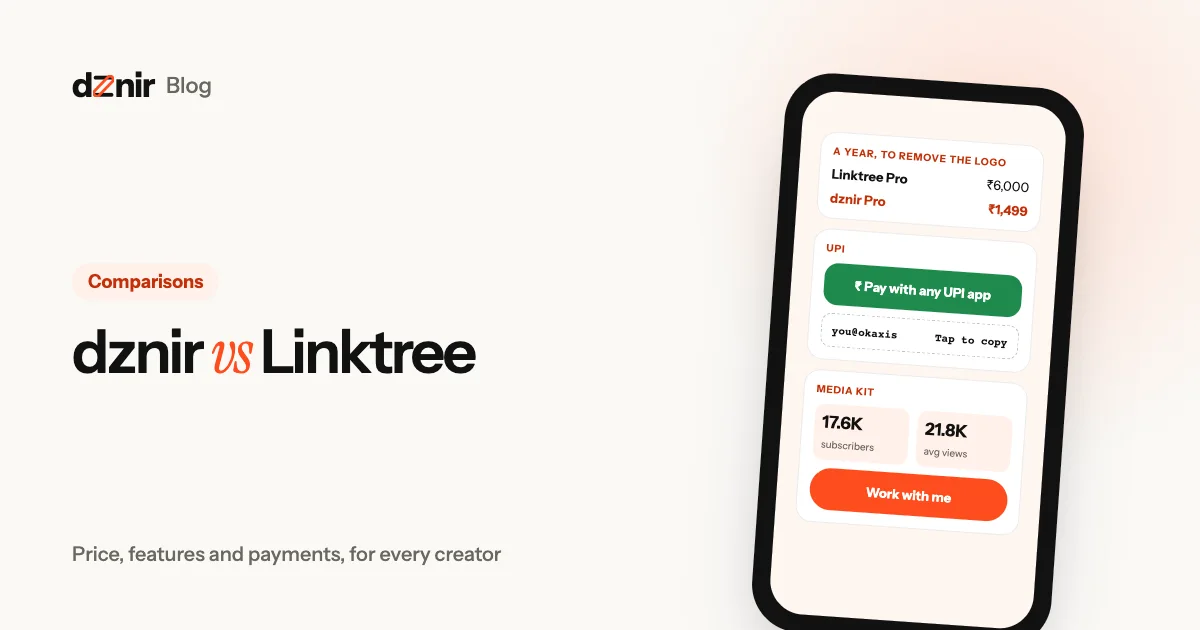 dznir vs Linktree: an honest comparison for everyonedznir vs Linktree compared for small and big creators: prices, free plans, payments, media kits, themes and layouts. Plus where Linktree wins.
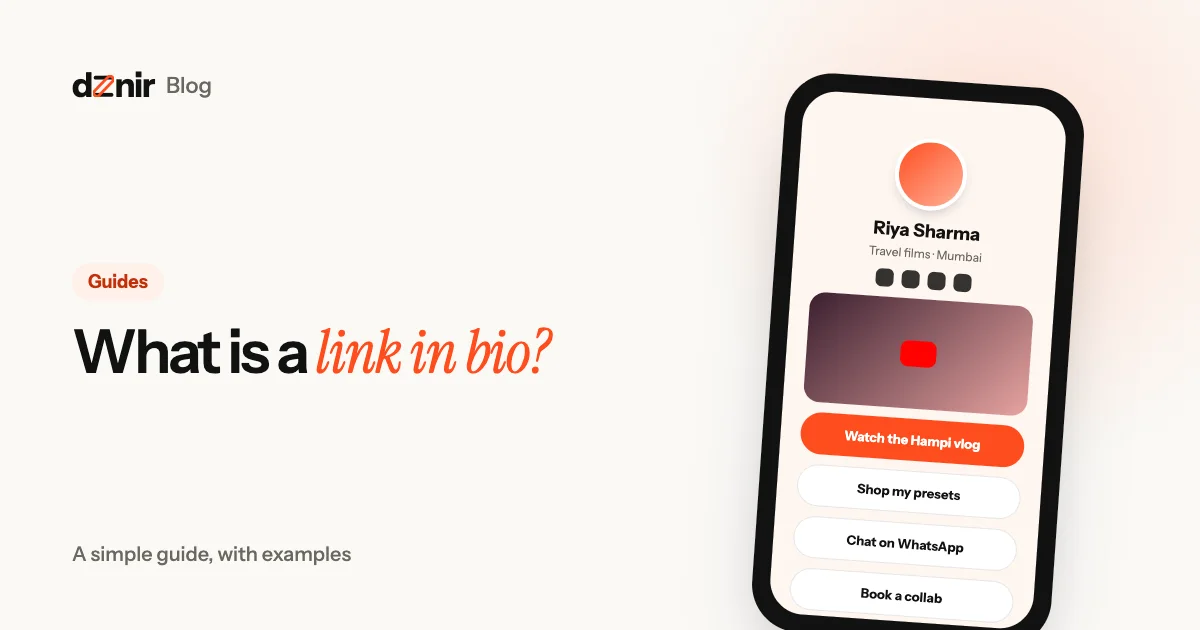 What is a link in bio? A simple guide, with examplesA link in bio is one page that holds all your links. What it is, who it’s for, what to put on it and how to make a free one in five minutes.