How to accept UPI payments and tips from one link
Take UPI payments and tips from your Instagram, YouTube or WhatsApp link: payment links, QR codes, the “Pay with any UPI app” button and how to keep it safe.
By dznir · Updated 29 October 2026
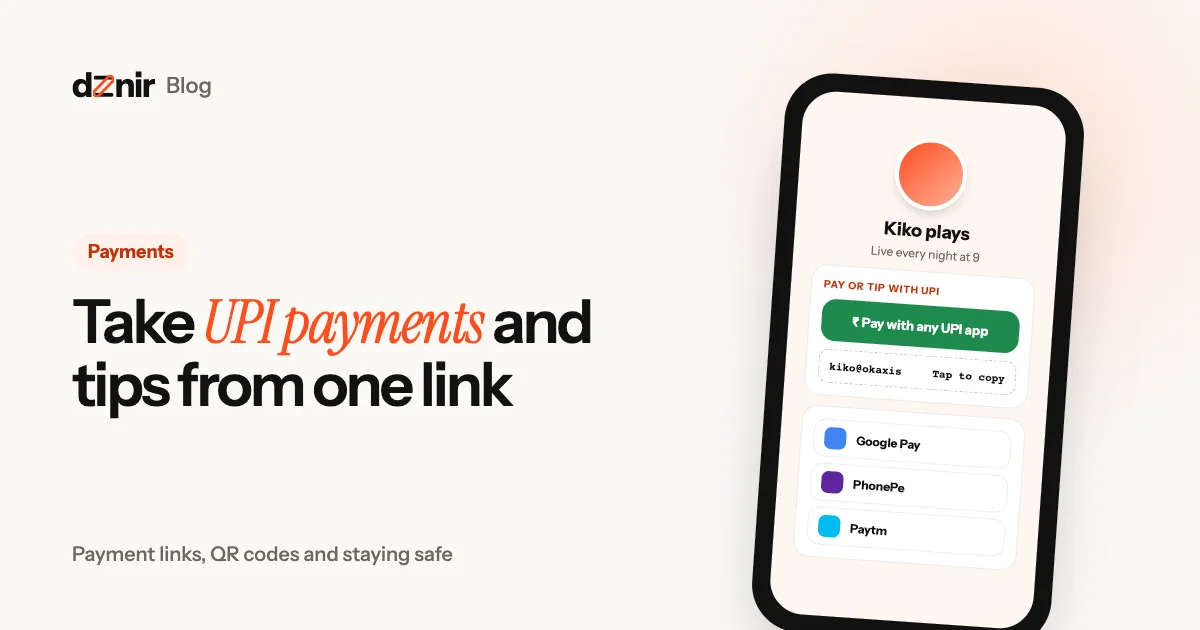
In India, almost everyone already has a way to pay you in their pocket: a UPI app. Google Pay, PhonePe, Paytm, BHIM or their bank’s own app. So if you sell something, teach a class, take commissions or just want tips for your streams, the easiest way to get paid is to make UPI one tap away from your link.
This guide shows the three ways to do it, how each one feels for the person paying, and how to keep it safe.
Why UPI is the right way to get paid
- Everyone has it. No sign-up, no card, no wallet to top up. If they can pay at a chai stall, they can pay you.
- It’s instant. The money lands in your bank account in seconds, and you both get a confirmation.
- Payments to a personal UPI ID are usually free. No gateway in the middle taking a cut on every tip.
- It works for any amount. ₹20 for a chai-sized tip or ₹20,000 for a project.
Three ways to take UPI payments from one link
1. Show your UPI ID
Your UPI ID looks like yourname@okaxis or 98xxxxxx10@ybl. People copy it, open their UPI app and pay. It works on any device, but it takes a few steps, and some people get the ID wrong if they type it. Always add a copy button so nobody has to type.
2. Add a QR code
A UPI QR code is perfect on a laptop screen, a poster or your shop counter: the person scans it with their phone. On a phone, though, a QR code is awkward. You can’t scan your own screen.
3. Use a UPI payment link
This is the one most people miss. UPI has a standard link format that opens a UPI app with your details already filled in:
upi://pay?pa=yourname@okaxis&pn=Your%20Name&tn=Chai%20for%20the%20stream&cu=INROn a phone, tapping it opens a UPI app (or asks which one to use) with your UPI ID, your name and a note ready. The person just enters an amount and their PIN. Here’s what each part means:
pa: the payee address, your UPI ID.pn: the payee name shown in their app. Use the name on your bank account so they trust it.tn: a short note that travels with the payment, like the item or “Tip”.am(optional): a fixed amount, for a set price. Leave it out for tips.cu: the currency, INR.
The catch: a raw upi:// link does nothing on a laptop, and on some phones it opens whichever app was used last. That’s why a good page shows all three: a button, the ID with copy, and a QR code for bigger screens.
How to set it up on your page
On dznir it’s one block, called Pay or tip with UPI (part of Pro’s creator tools). The money goes straight to your UPI ID: dznir never touches it and takes no cut.
- Add the block and type your UPI ID.
- Add the name people should see in their UPI app, a message that travels with each payment (“Chai for the stream ☕”) and, if you like, a line under the button.
- Publish. Your page now shows a big Pay with any UPI app button and your UPI ID with Tap to copy.
The button opens a small sheet where the person picks their app: Google Pay, PhonePe, Paytm or any other UPI app. No guessing which app their phone will open. Visitors on a laptop can copy your ID instead.
Where to put it: high up if payments are your main thing (a tip jar for streamers, a café’s “pay here”), or just under your work if it’s a thank-you (“Liked the video? Buy me a chai”).
How to get more people to pay or tip
- Say what it’s for. “Chai for the stream” or “Keeps the free tutorials coming” converts better than “Donate”.
- Suggest an amount. “₹49 for a coffee” gives people an easy yes, even if the amount stays open.
- Ask at the right moment. At the end of a stream, after a helpful post, or when you hit a goal.
- Thank people. A shout-out on stream or in your story makes the next person more likely to tip.
- Sell something small. Presets, a wallpaper pack or a 15-minute call. People pay for things more easily than they tip.
When your fans aren’t in India
UPI is built for India: paying with it needs a UPI app linked to an Indian bank account. Some Indians living abroad can still use it through their Indian bank, but most fans outside India can’t. If your audience is spread around the world, give them a second way in. Check your channel or page stats first: if most of your viewers are in India, UPI alone may be all you need, and a second button can wait until fans abroad start asking how to support you.
- Add a second button. Put a link block under your UPI button to your PayPal.me, Ko-fi or Buy Me a Coffee page, and label it for fans outside India.
- Say which button is for whom. “In India? Pay with UPI. Everywhere else: PayPal” stops people trying the wrong one and giving up.
- Price in both currencies when you sell something. “₹199 or $3” is clearer than making people work out the conversion.
- Thank everyone the same way. A shout-out works whether someone sent ₹50 by UPI or $2 by PayPal.
- Keep your records in one place. Money arriving in two apps is easy to lose track of. Note each payment in one simple sheet, and if you earn regularly, ask a tax adviser how to report it.
dznir itself works the same everywhere. Plans are in rupees in India and in US dollars elsewhere; see plans and pricing, or read about dznir and why UPI is built in from day one.
Stay safe
- Receiving money never needs your PIN. If anyone asks you to “accept a request” or enter your PIN to receive money, it’s a scam.
- Never share your PIN or an OTP, not even with someone claiming to be from your bank or from dznir.
- Show your UPI ID, never your bank details. Your UPI ID only lets people send money to you.
- Check the name. Make sure the name people see in their app matches you, so they know they’re paying the right person.
- For a business, use a business account. If you sell regularly, a merchant or business UPI account gives you better records and keeps personal and work money apart.
The official word on how UPI works and how to stay safe is on the NPCI UPI page.
Also useful
Choosing a tool? See dznir vs Linktree: price, features and payments compared. New to one-link pages? Start with what a link in bio page is and what to put on it. If brands pay you too, here’s how to make a media kit that gets brand deals.
Questions people ask
Is there a fee to receive UPI payments?
Payments to a personal UPI ID are usually free for both sides. Business accounts and payment gateways can have their own charges, so check with your bank or provider if you sell at scale.
Can people pay me from any UPI app?
Yes. A UPI ID works with every UPI app. A UPI payment link opens whichever UPI app the person picks on their phone, such as Google Pay, PhonePe, Paytm or their bank’s app.
Is it safe to show my UPI ID publicly?
Your UPI ID only lets people send you money, not take it. Never share your UPI PIN or OTP, and never “accept a request” to receive money: receiving never needs your PIN.
Does a UPI payment link work on a laptop?
UPI apps live on phones, so a payment link opens on a phone. On a laptop, show your UPI ID with a copy button, or a QR code the person can scan with their phone.
Can I set a fixed amount?
A UPI payment link can carry an amount and a note, which is handy for a fixed price like a consultation. For tips, leave the amount open so people choose.
Keep reading
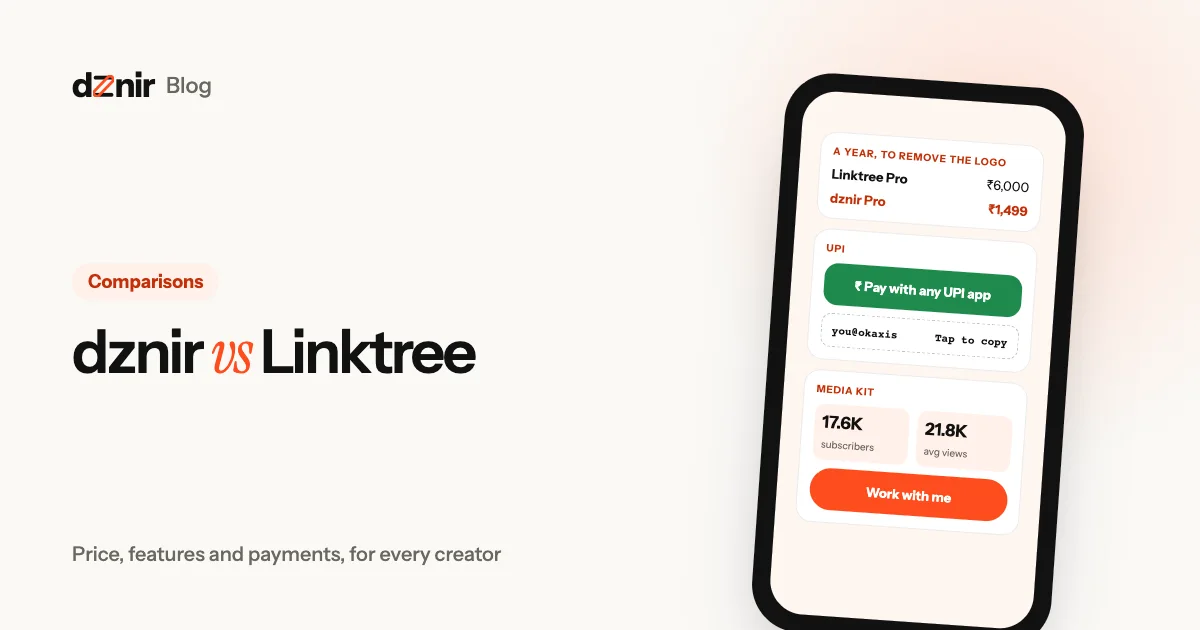 dznir vs Linktree: an honest comparison for everyonedznir vs Linktree compared for small and big creators: prices, free plans, payments, media kits, themes and layouts. Plus where Linktree wins.
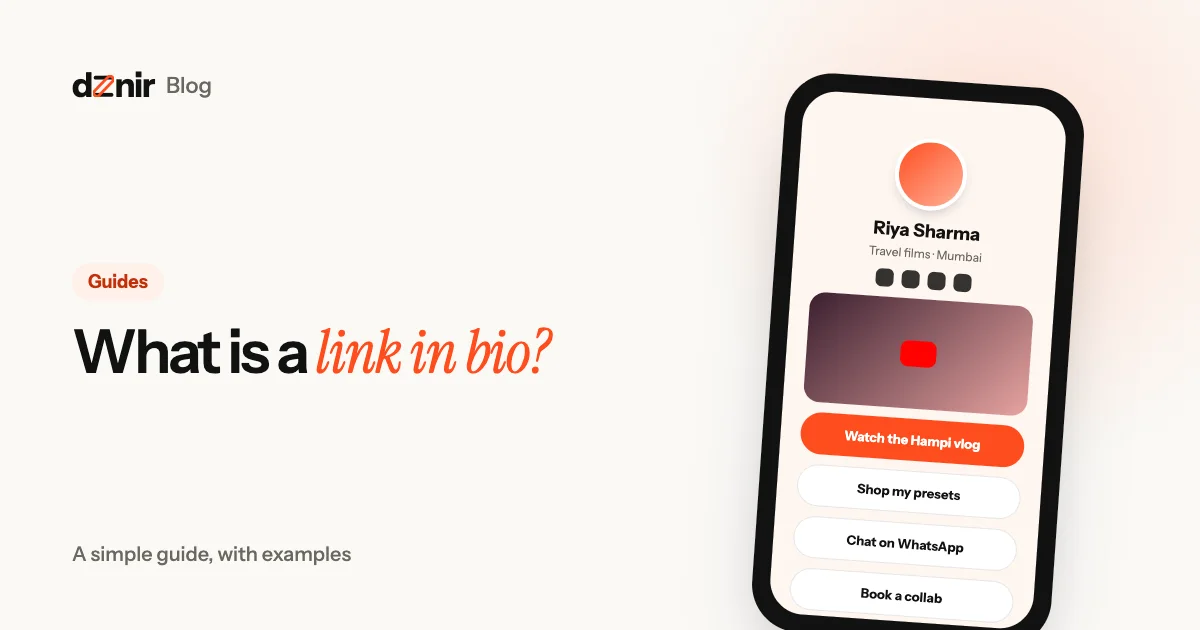 What is a link in bio? A simple guide, with examplesA link in bio is one page that holds all your links. What it is, who it’s for, what to put on it and how to make a free one in five minutes.